
Open-source fast-time simulation for structured low-altitude UAM
What is LOFT-Sim?
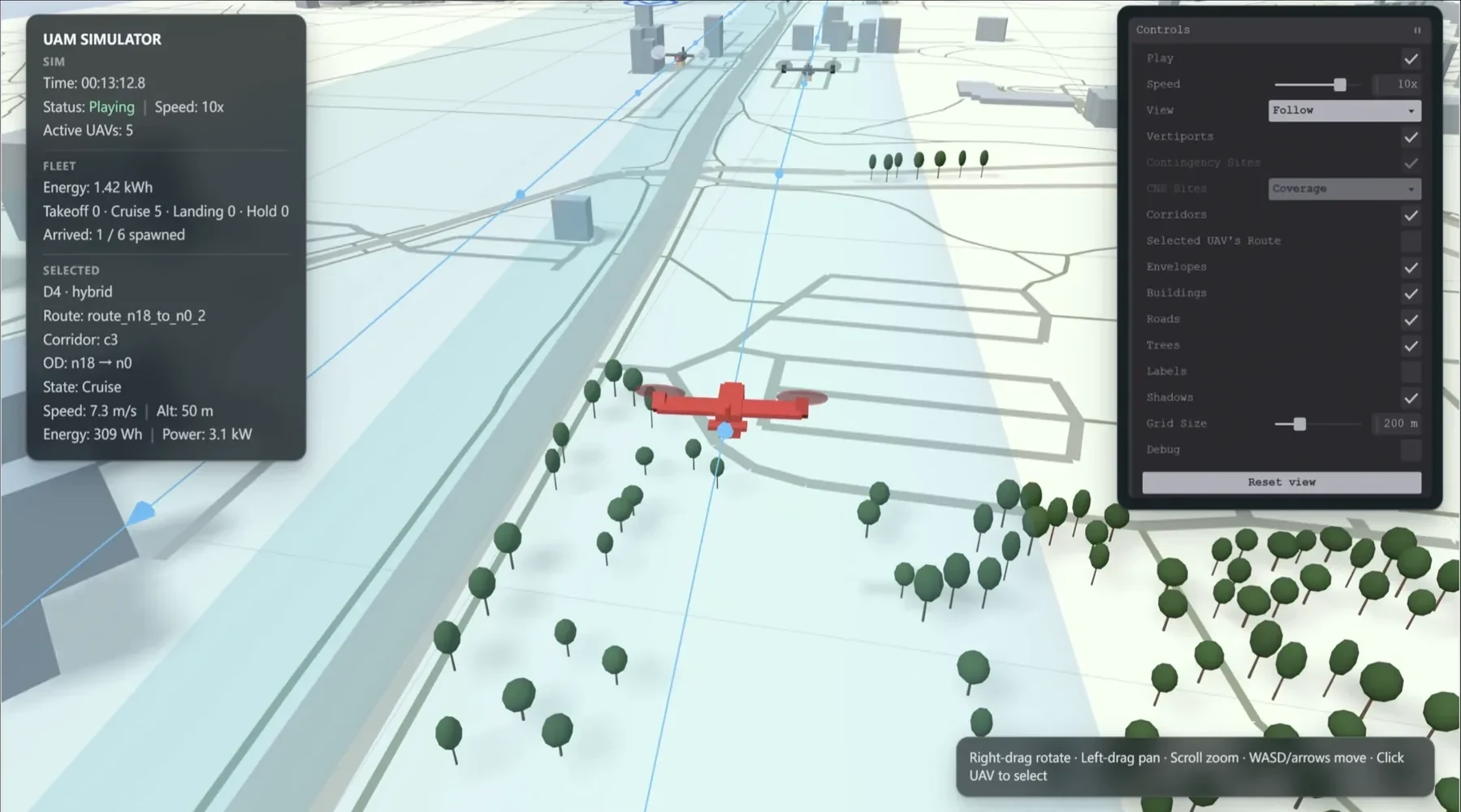
LOFT-Sim (LOw-altitude Fast-time Traffic Simulator) is an open-source fast-time traffic simulation platform for structured low-altitude urban air mobility (UAM). It represents shared airspace resources, such as corridors, vertiports, crossing points and CNS support services, as managed objects with monitored states, alongside the individual vehicles that fly through them. That makes it possible to design an airspace network, attach demand and an operating policy, and evaluate how the whole system behaves under nominal and degraded conditions.
The platform has two parts. LOFT-Edit is a JOSM-based editor for creating airspace networks and preparing scenario inputs. LOFT-Sim is the simulator that runs those scenarios and produces evaluation outputs. Network structure, traffic demand, operation strategy and simulation settings are separate files, so the same components can be reused across experiments.
What can it do?
LOFT-Sim supports the design, operation and evaluation of structured low-altitude airspace systems. Representative uses:
- Airspace network designDraw and validate networks with vertiports, corridors, controlled and diverging nodes, route relations, CNS infrastructure and contingency landing sites in LOFT-Edit.
- Operating-policy comparisonConfigure demand and compare strategic, tactical and contingency policies, from 4D volume reservation to demand-capacity balancing, on an unchanged network.
- Uncertainty and degradation studiesEvaluate operations under wind, degraded navigation and communication quality, surveillance coverage limits, vehicle-type differences and imperfect state information.
- External controller integrationConnect traffic-management, optimization or learning algorithms through the Airspace Control Interface (ACI), a Python runtime API.
- Quantitative evaluationMeasure safety margins, throughput, delay, queues, closures, energy use and computation across single runs or replicated experiments.
How the documentation is organized
The documentation has six sections, one per entry of the top navigation. Inside a section the left column lists its pages and the right column the outline of the current page. If you are new, read Installation and then Getting Started; the Glossary explains the terms the other pages use.